

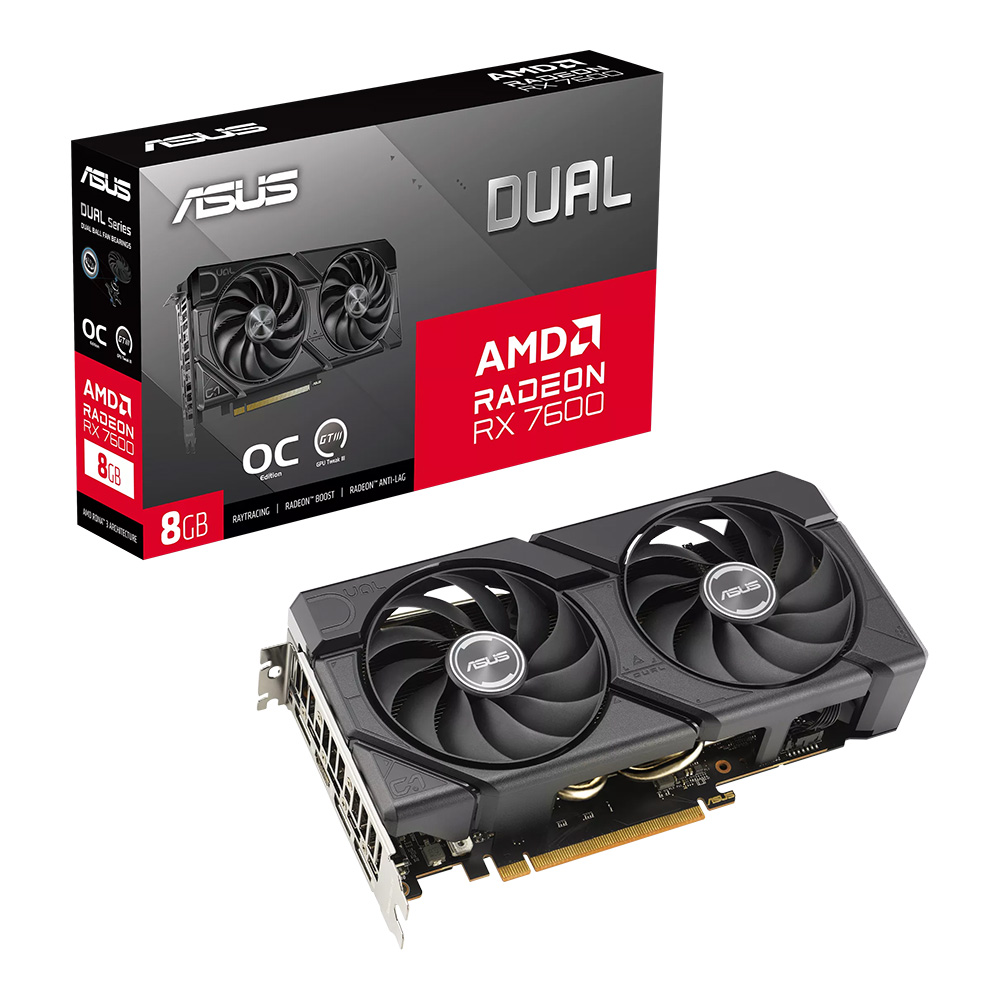
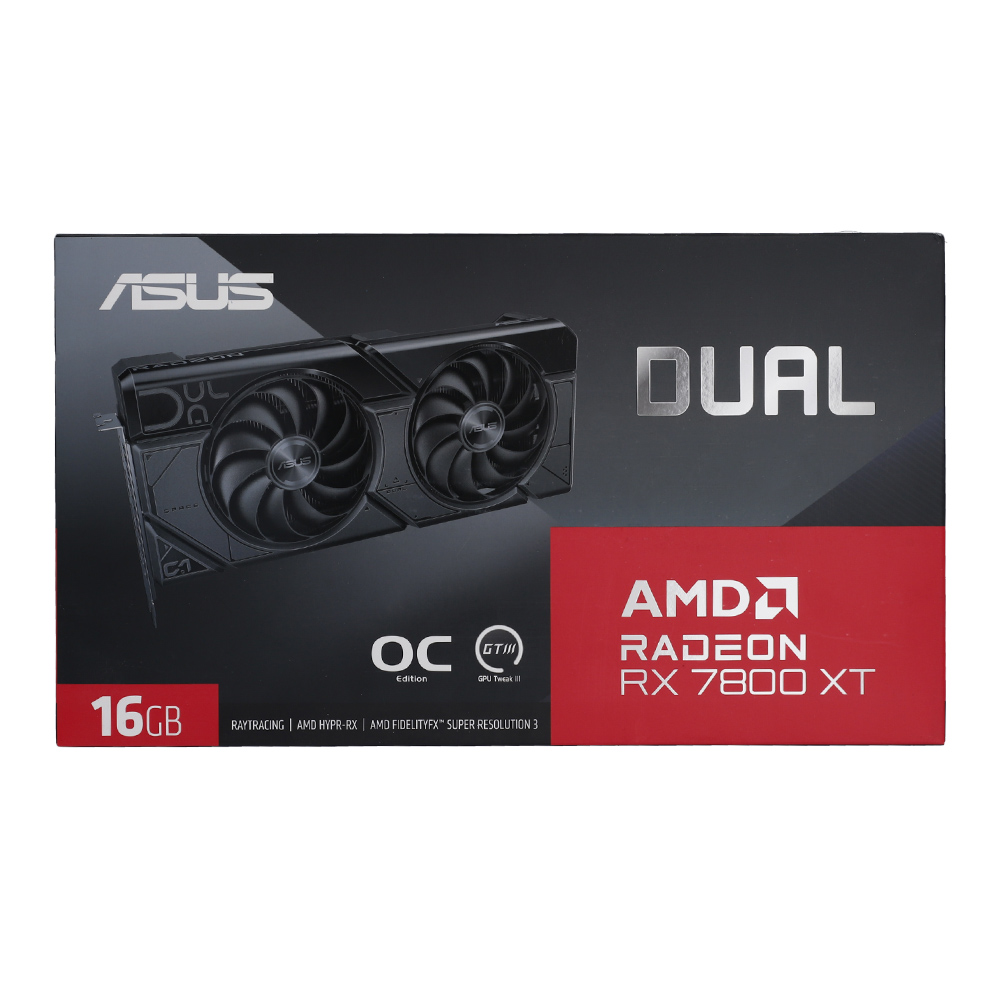
VGA (การ์ดแสดงผล) ASUS DUAL RADEON RX 7800 XT OC EDITION 16GB GDDR6 (DUAL-RX7800XT-O16G)
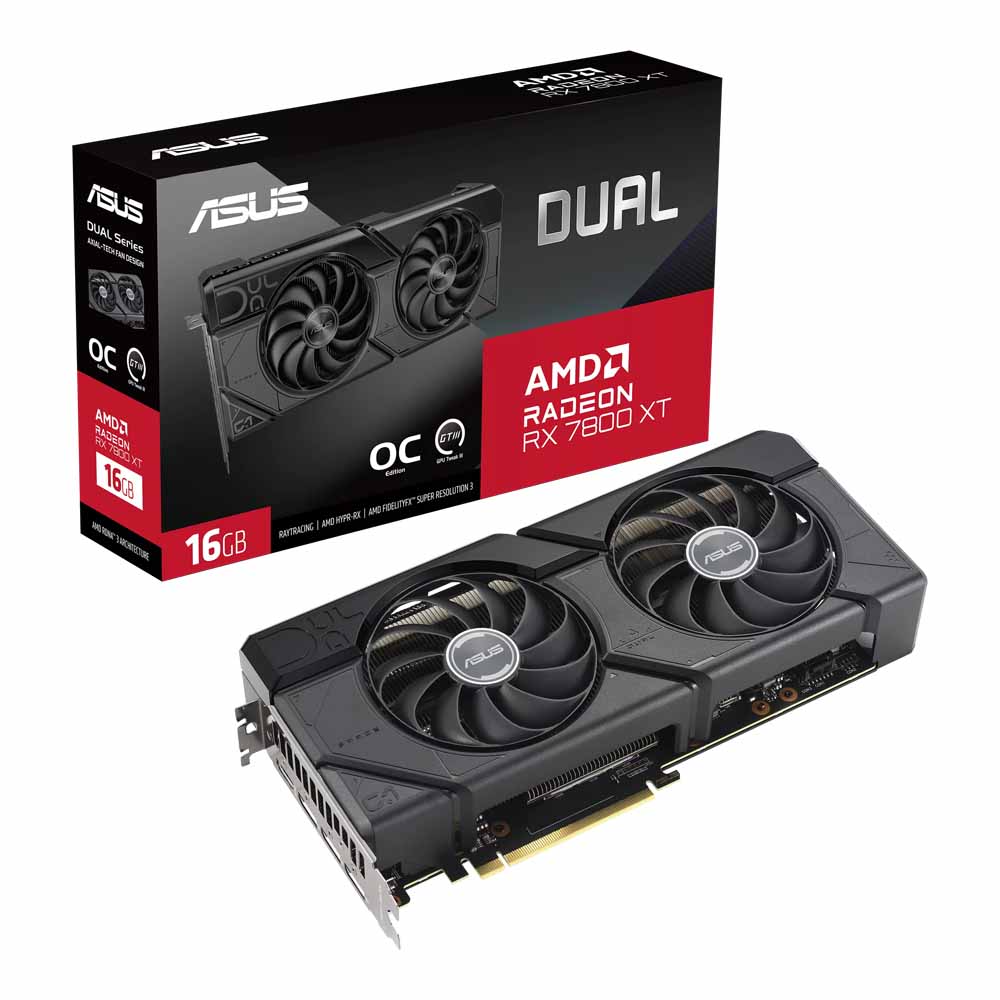

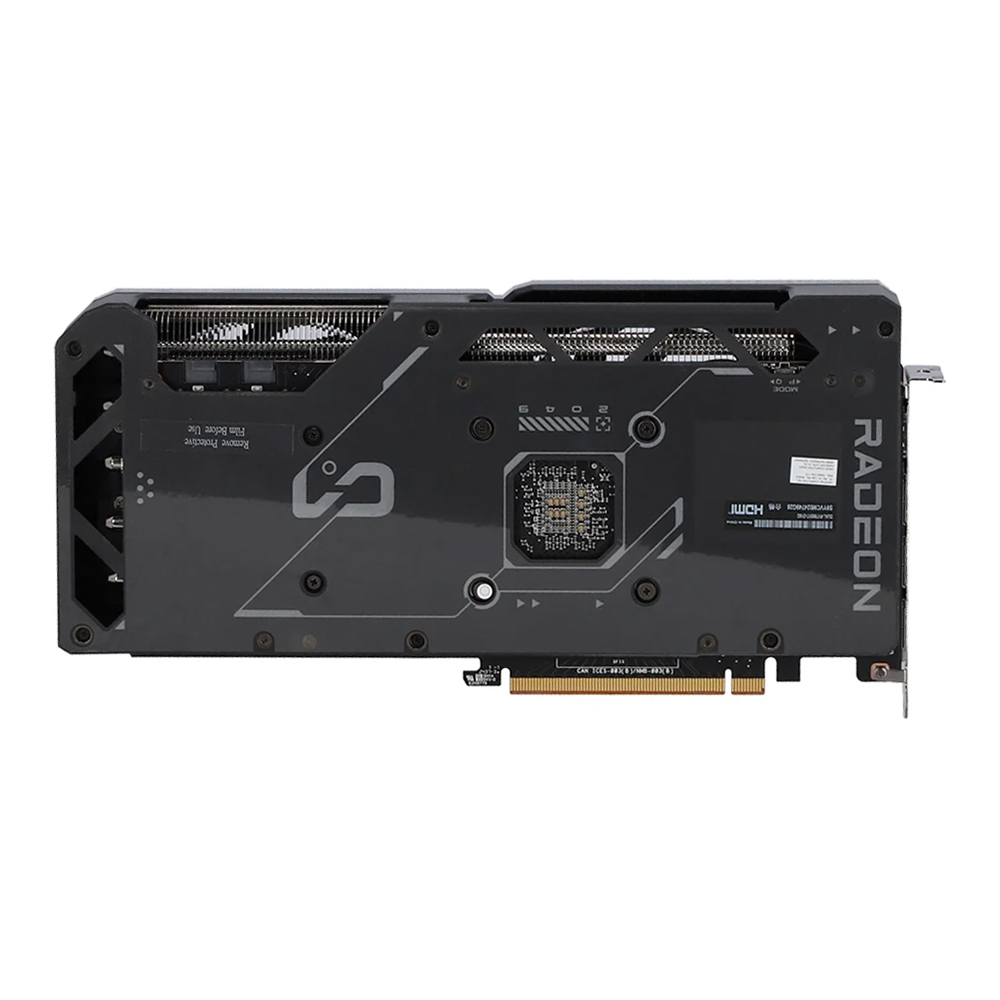

VGA (การ์ดแสดงผล) ASUS DUAL RADEON RX 7800 XT OC EDITION 16GB GDDR6 (DUAL-RX7800XT-O16G)
แบรนด์ : Asus
สินค้าหมดชั่วคราว
กด “แจ้งเตือนเมื่อมีสินค้า” ด้านล่าง เราจะรีบแจ้งทันทีที่สินค้ากลับมา
รายละเอียดสินค้าโดยย่อ
Radeon RX 7800 XT
- • 16GB GDDR6
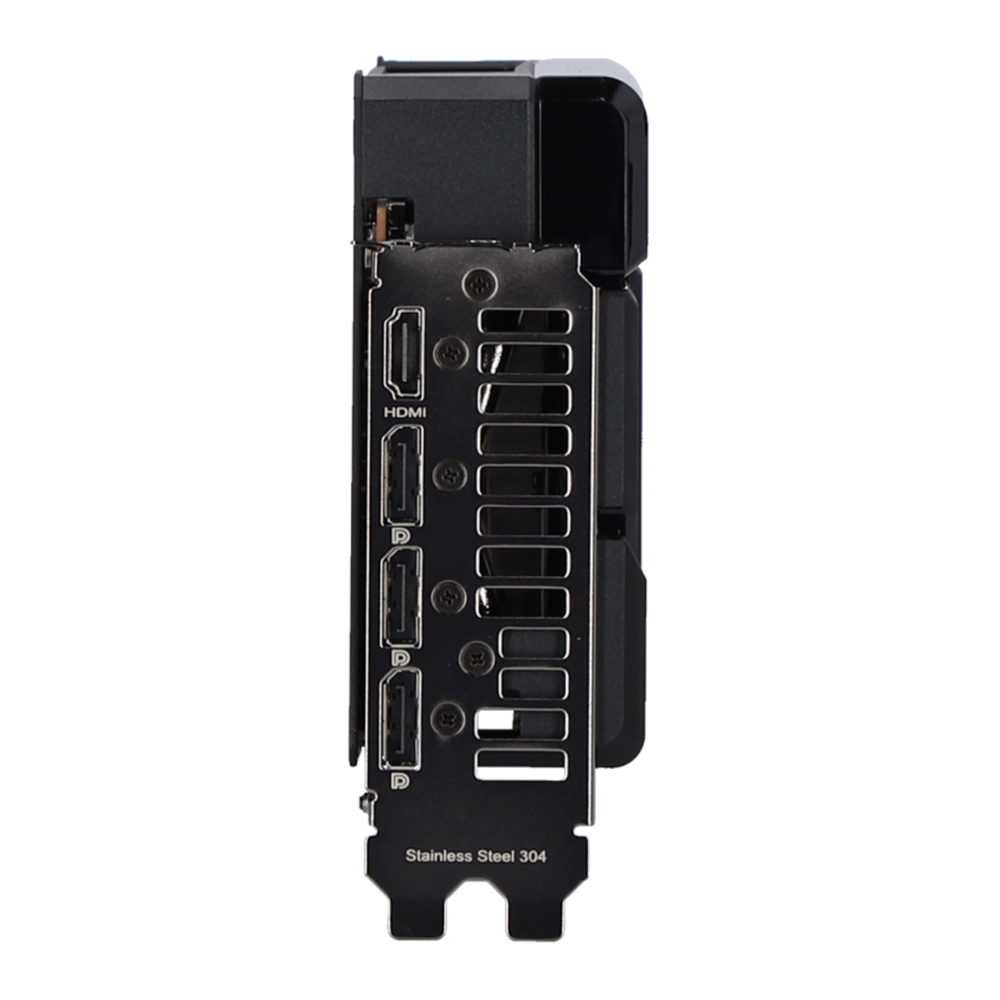
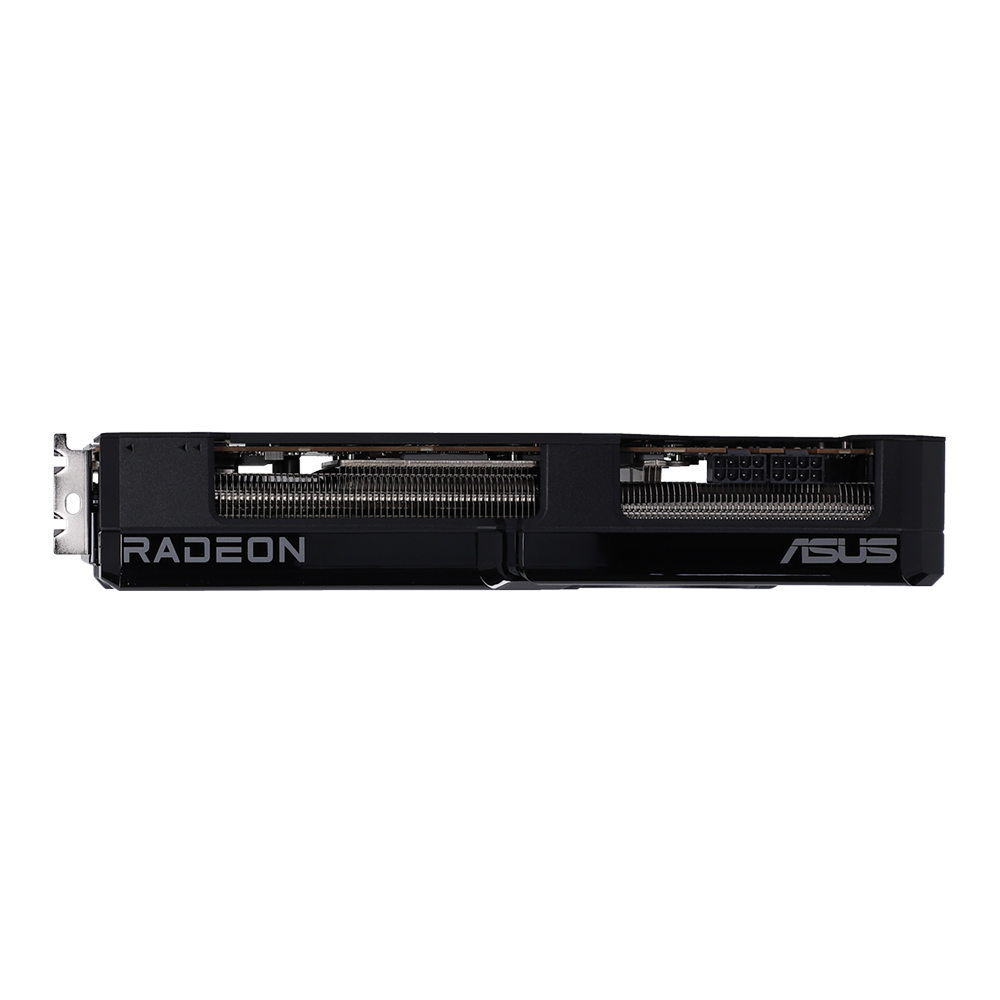
- • 3 x DisplayPort
- • 1 x HDMI
14ครั้ง
ขายแล้ว0ชิ้น
คุณสมบัติเด่นและสเปก
รายละเอียดสเปคทั้งหมดของสินค้า
VGA (การ์ดแสดงผล) ASUS DUAL RADEON RX 7800 XT OC EDITION 16GB GDDR6 (DUAL-RX7800XT-O16G)
model
- Model
- Dual Radeon™ RX 7800 XT OC Edition 16GB GDDR6
specification
- ชนิดของ RAM
- GDDR6
- ความเร็ว RAM
- 19.5 Gbps
- ความเร็ว GPU
- Default mode : up to 2475 MHz OC mode : up to 2520 MHz
- GPU Model
- Radeon RX 7800 XT
- Series
- AMD Radeon RX 7000 Series
- Chipset
- AMD
power requirement
- อัตราการกินไฟ
- ≈ 263 W
- Power Connectors
- 2 x 8 Pin
general
- DirectX
- 12 Ultimate
- ความละเอียดสูงสุด
- 7680 x 4320
port connector
- Display Port
- Version 2.1 x 3 Port
- HDMI Port
- Version 2.1 x 1 Port
รายละเอียดสินค้า
ภาพรวม จุดเด่น และข้อมูลการใช้งาน
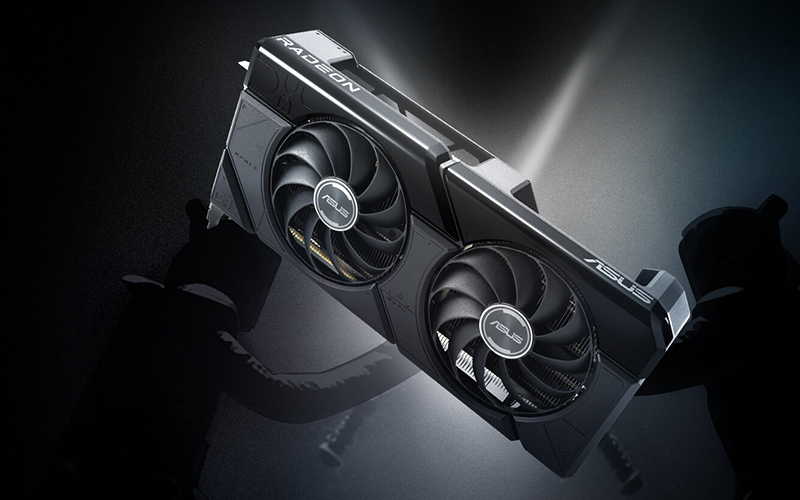
2x Fans. 2x Fun.
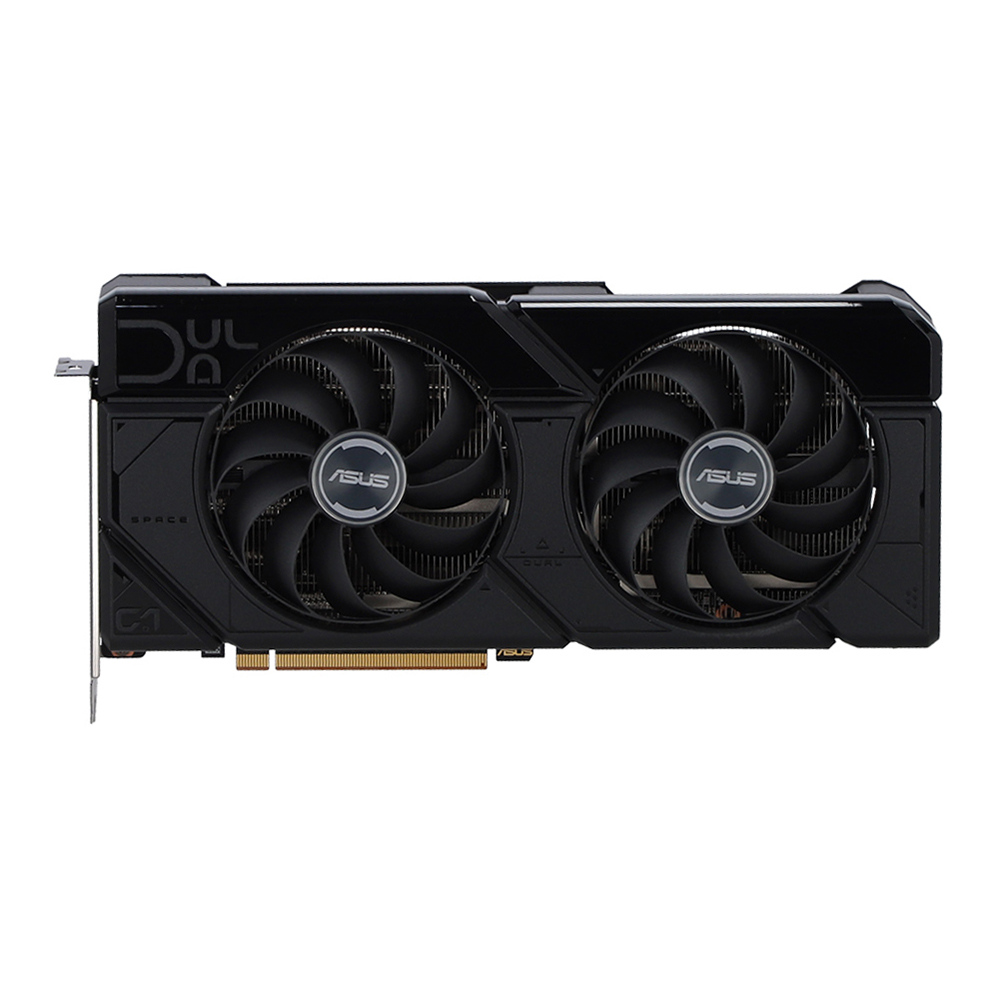
Delivering the latest AMD RDNA™ 3 architecture experience in its purest form, the ASUS Dual Radeon™ RX 7800 XT OC Edition melds performance and simplicity like no other. Leveraging advanced cooling technologies derived from flagship graphics cards, the Dual opts for substance over style, the perfect choice for a well-balanced build. Buckle up and engage cutting-edge gaming prowess.
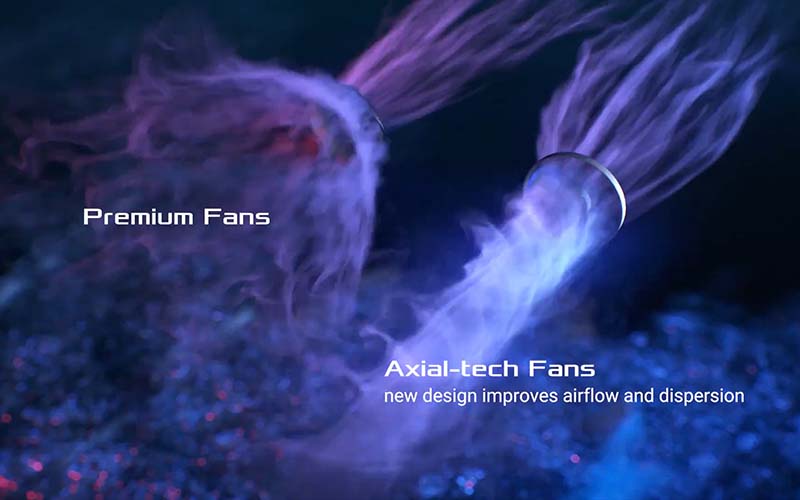
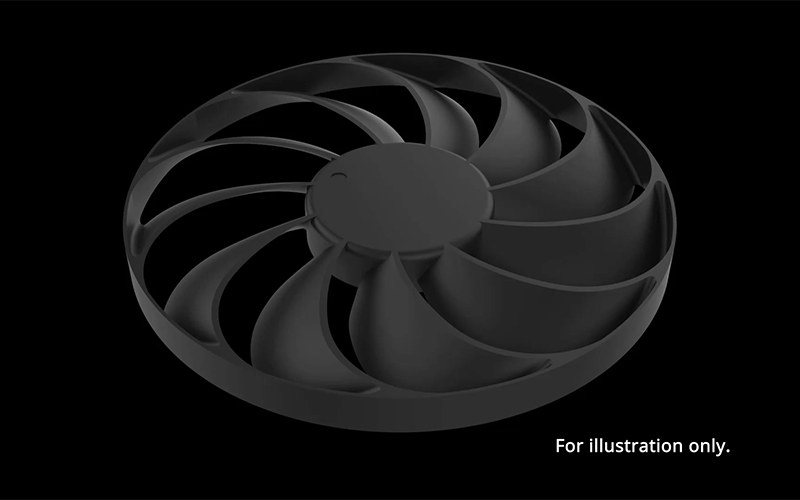
Axial-tech Fan Design
Better, faster, stronger
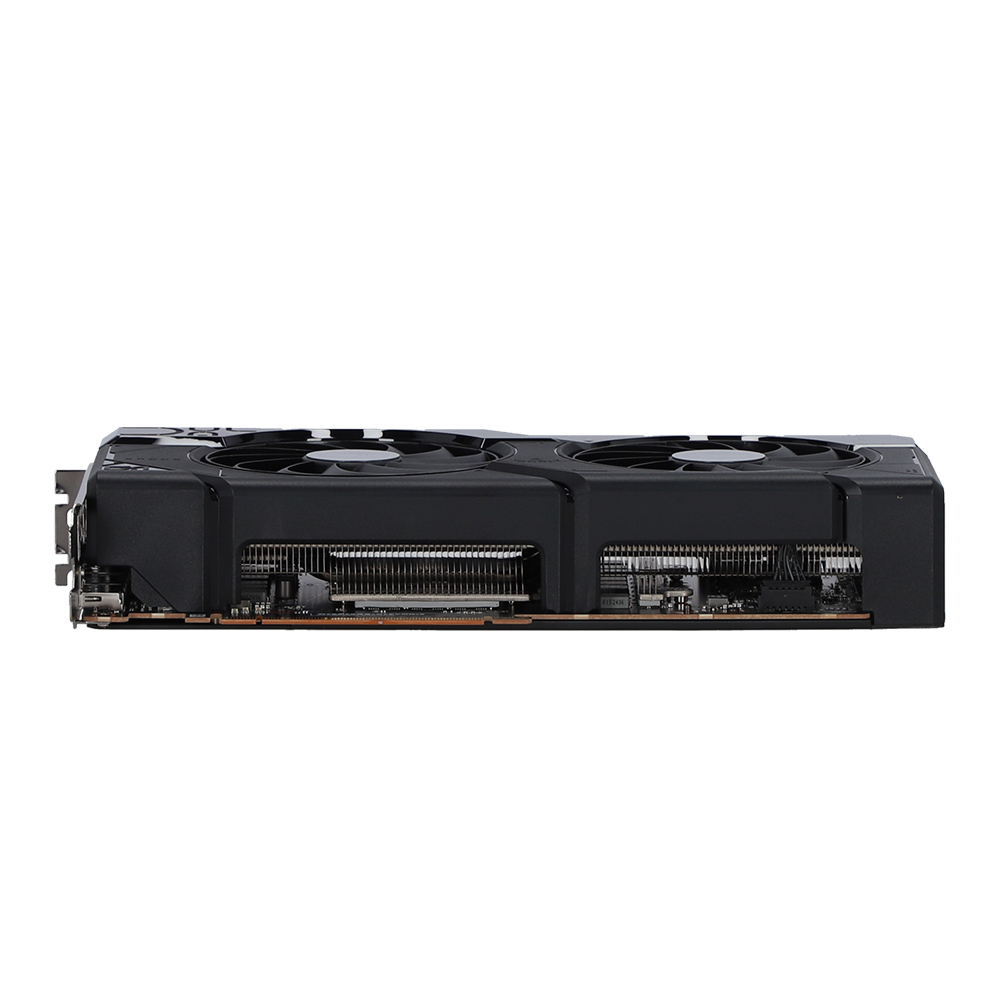
Two tried-and-true Axial-tech fans feature a smaller hub that facilitates longer blades and a barrier ring to increase downward air pressure.
0dB Technology
Quiet intelligence
An advanced onboard controller brings fans to a standstill when the GPU core temperature is below 55 Celsius, letting you enjoy light gaming in relative silence. As temps rise past the threshold, the fans automatically start up again.
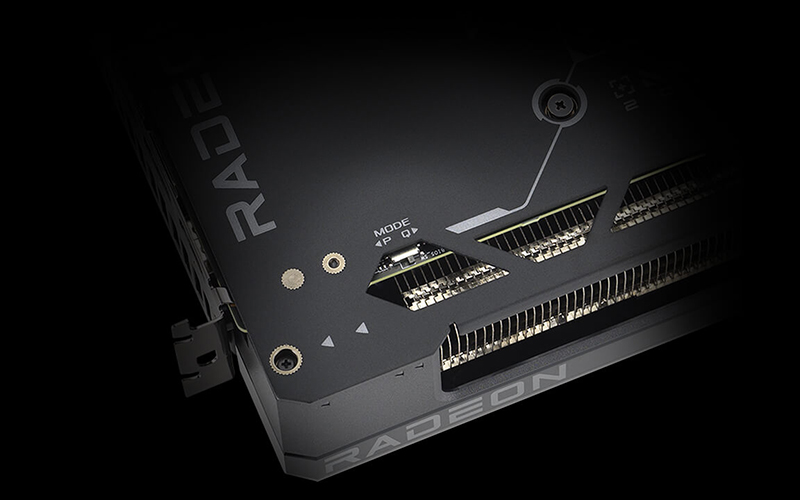
Dual BIOS
Choose wisely
Do you prioritize low core temps or low noise levels? Performance mode will let the fans spin up to keep the card running cool all the time. Quiet mode keeps the same power target and top-end settings, but offers a less aggressive fan curve for quieter operation at medium temps. For even more customization and control, check out our GPU Tweak III software.
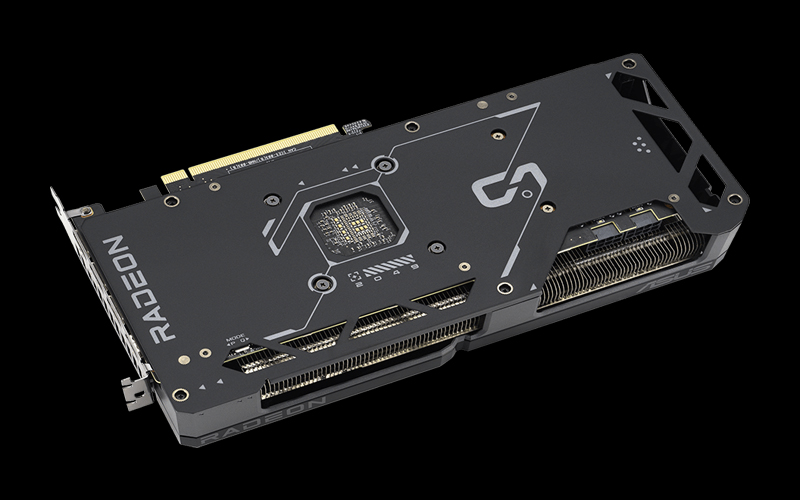
Protective Backplate
That's so metal!
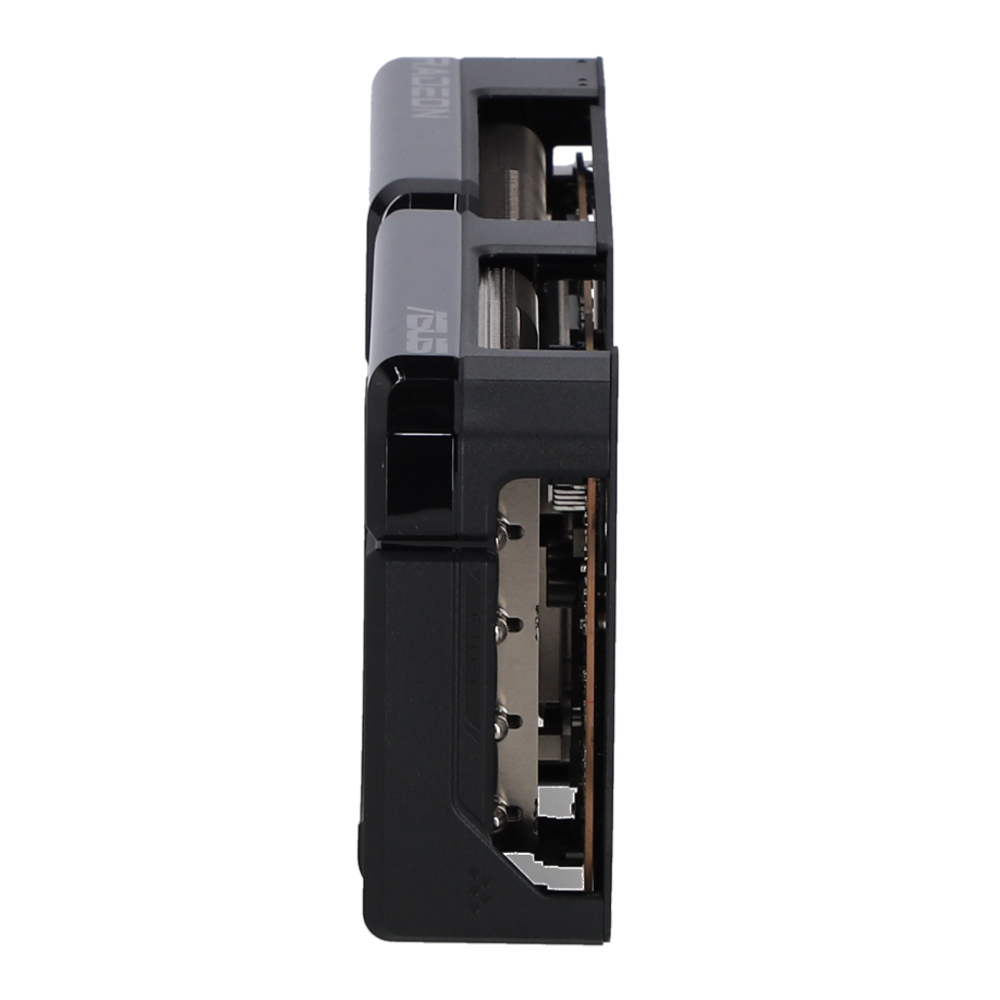
The PCB is reinforced by an aluminum backplate that adds structural rigidity, helping to prevent flex and protect components and trace pathways from damage.
รูปภาพทั้งหมดมีวัตถุประสงค์เพื่อเป็นภาพประกอบเท่านั้น / All images are for illustrative purposes only.
JIB เปรียบเทียบให้
รุ่นที่กำลังดู เทียบกับรุ่นใกล้เคียงที่ JIB คัดมาให้
รีวิวสินค้า
รีวิวจากผู้ที่ซื้อสินค้านี้จริง
0.0/ 5
จาก 0 รีวิว
5
0
4
0
3
0
2
0
1
0
ยังไม่มีรีวิวสำหรับสินค้านี้
เป็นคนแรกที่แบ่งปันประสบการณ์ใช้งาน
สินค้าที่ต้องมี